

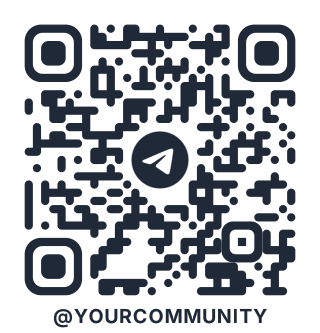

How to make a Telegram QR code
Type your Telegram username, with or without the @, or paste a t.me link. The code opens the profile, channel, group or bot in Telegram. It starts in the style of Telegram’s own codes: flowing shapes, a gradient, the Telegram logo, and your @handle written underneath, which follows what you type.
Channels, groups and bots
- Public channels and groups have a username: use t.me/name.
- Private groups use an invite link (t.me/+…). Anyone with the code can join, so think before printing one.
- Bots work the same way: t.me/your_bot. Add ?start=poster to tell the bot where the person came from.
Count your scans
A free code opens Telegram directly, so it can’t be counted. With a dynamic QR code, every scan goes through a short link that counts it by day, country and device, and you can change where it leads at any time.
Questions
Telegram already has QR codes. What’s the difference?
Telegram’s codes are only for usernames and come in Telegram’s themes. Here you can make one for any link, use your own colours and logo, download SVG for print, and track scans.
Does the code expire?
No. It keeps working for as long as the username or link exists.