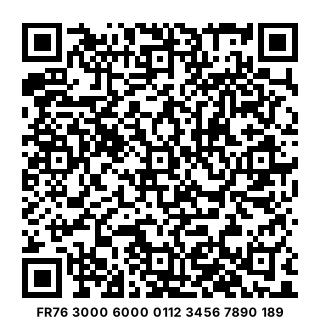
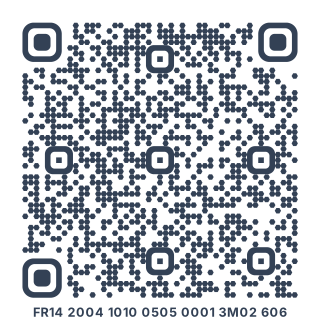
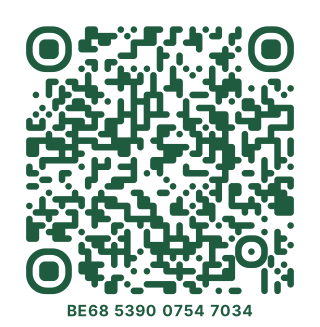
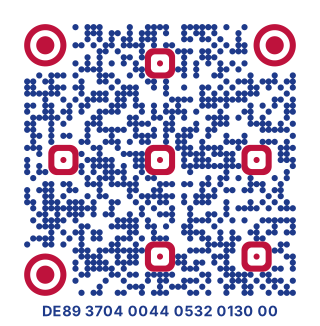
How to make a QR code for a bank transfer
Type your IBAN, then the name on the account. Add an amount and a reference if you want them filled in too: an invoice number, a month’s rent, “Concert tickets”. Download the code as PNG for screens or SVG for print.
Whoever scans it with a banking app that reads these codes gets a transfer to you that’s already filled in. They check it and confirm it as usual, and the money arrives like any other transfer.
A standard, not a link
The code follows the European Payments Council’s format for SEPA credit transfers, known as the EPC QR code, or GiroCode in Germany and Austria. It holds your details themselves, not a link: nothing goes through olinqs, and the code works for as long as your account does.
Which banking apps read it?
It depends on the payer’s bank: the standard leaves it to each bank whether its app reads these codes. In Germany and Austria, they’re everywhere: the apps of the Sparkassen, Volksbanken, Deutsche Bank, Commerzbank, ING and DKB read them, as do George, Raiffeisen and Bank Austria. In Belgium, the banking federation says almost all banks do, and has made the code its standard for invoices since February 2026.
In France, support is patchy. The big banks don’t say their apps read it, and their “pay with a QR code” buttons are for Wero, a different kind of code. Dutch banks also favour their own (iDEAL | Wero). Several French apps, such as Crédit Agricole, Caisse d’Épargne, Banque Populaire and La Banque Postale, can read an IBAN from a photo when you add a beneficiary, though.
That’s why your IBAN is also written under the code. Anyone whose app doesn’t read it can copy the IBAN from there, and most phones can copy text straight from the camera.
Questions
Is it free?
Yes. The code is made in your browser, without an account, and it never expires: it holds your details itself, so there’s nothing for anyone to switch off.
Is it safe to show my IBAN?
An IBAN lets people pay you; it doesn’t let them take money out. It’s what you already give your employer or print on invoices. Check your statements all the same: if a direct debit you never agreed to shows up, tell your bank, which has to refund it if you report it within 13 months.
What is a RIB, and how is this different?
In France, a RIB (relevé d’identité bancaire) is the page with your IBAN, BIC and the account holder’s name. This code holds the same details in a form banking apps read, so nobody has to type 27 characters.
Do I have to give an amount?
No. Without one, the payer types it in: handy for donations or a market stall. With one, it’s filled in, and the payer still sees it before confirming.
Which transfers does it work for?
Transfers in euros to accounts in the SEPA area: the European Union, plus countries such as Switzerland, Norway, Iceland, the United Kingdom and Monaco. The payer’s bank decides whether it goes as a standard or an instant transfer.
Do I need the BIC?
Usually not. Within the European Economic Area, the IBAN is enough. Add the BIC if someone paying from outside it, from Switzerland or the United Kingdom for example, needs it.
Is what I type sent to olinqs?
No. The code is drawn in your browser: your IBAN, name and amounts are never sent to us or stored.
Can I change it after printing?
No: your details are part of the code. If your account changes, make a new one. A dynamic code can’t help here, since banking apps read the details from the code itself, not from a link.